
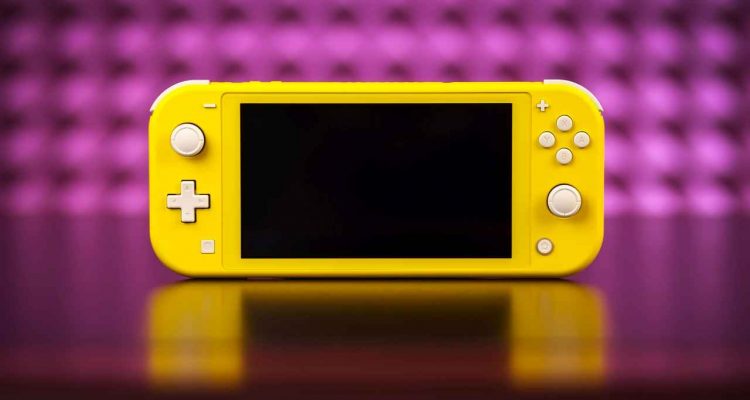
Hello, Nintendo Switch enthusiasts! Today, I’m sharing my experience of navigating the sometimes tricky but always rewarding waters of setting up a VPN on my Nintendo Switch. Whether you own the sleek Switch Lite, the classic Original, or the vibrant OLED model, I’ve got you covered.
Why a VPN on a Nintendo Switch?
Before we jump in, let’s talk about why you might want a VPN for your Switch. With a VPN, you can access games and content available in other countries, protect your online activities from prying eyes, and even potentially get better deals on games. It’s like having a special power-up in your gaming arsenal!
Method 1: The Router Setup – “One VPN to Rule Them All”
Setting up a VPN on your router is like equipping a master key for all your internet-connected devices, including your Nintendo Switch, regardless of its version. This method encrypts and reroutes your entire internet connection through the VPN.
Here’s what I did: First, I checked if my router was VPN-compatible. Not all routers support VPN connections directly, so this is crucial. After selecting a VPN provider, I followed their guide to configure the VPN on my router. This typically involved logging into the router’s settings and inputting the VPN details.
Once done, my Switch – along with every other device in my house – was connected to the VPN. This meant I could access games from other regions and enhance my online privacy. The only trade-off? A potential decrease in internet speed due to the VPN encryption.
Method 2: The Mobile Hotspot – “The Handy Sidekick”
Not keen on the router method? Here’s a nifty alternative: using your smartphone as a mobile hotspot. This is especially handy if you own a Switch Lite or OLED model, which you might often use on the go.
First, I set up a VPN on my smartphone and activated the VPN service. Then, I turned on the mobile hotspot feature on my phone. On my Switch, I went to the Wi-Fi settings and connected to my phone’s hotspot. Voilà! My Nintendo Switch was now cruising the internet via a VPN-secured connection.
This method is great for temporary VPN access and doesn’t require any complex setup. However, it does eat into your phone’s data plan and battery life, so keep that charger handy!
Method 3: The Smart DNS – “The Speedy Alternative”
Lastly, let’s talk about using a Smart DNS service. While it’s not a full-fledged VPN, it’s an excellent option for bypassing geographical restrictions without the additional encryption layer.
Setting up a Smart DNS on the Nintendo Switch was surprisingly straightforward. After subscribing to a Smart DNS service, I received a specific DNS server address. On my Switch, I simply changed the DNS settings to this new address, and just like that, I was able to access games and content not available in my region.
Remember, though, that Smart DNS doesn’t offer the same security features as a VPN. It’s more about access and less about privacy.
Final Thoughts: Your Gaming, Your Choice
And there you have it – three different ways to connect your Nintendo Switch to a VPN. Whether you prefer the comprehensive coverage of the router setup, the flexibility of the mobile hotspot, or the simplicity and speed of the Smart DNS, there’s an option that fits your gaming lifestyle.
Each method has its own set of pros and cons, so think about what matters most to you. Is it privacy and security, ease of access, or a balance of both? Your choice will shape your online gaming experience.
So, gear up, choose your path, and enjoy a world of unrestricted, secure gaming on your Nintendo Switch. Here’s to new adventures and uncharted gaming territories!
